首先,在IDE 创建 Maven 项目
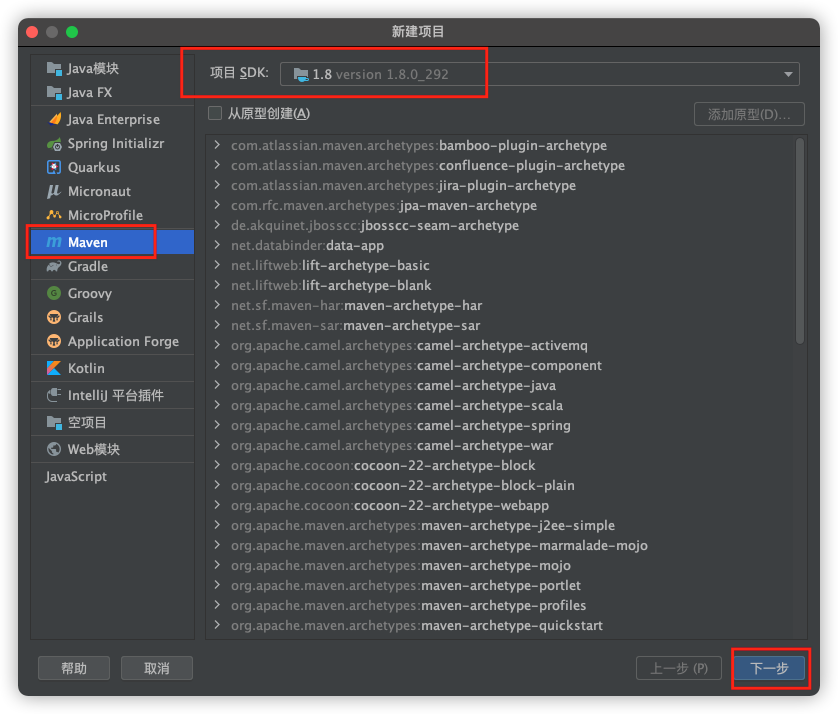
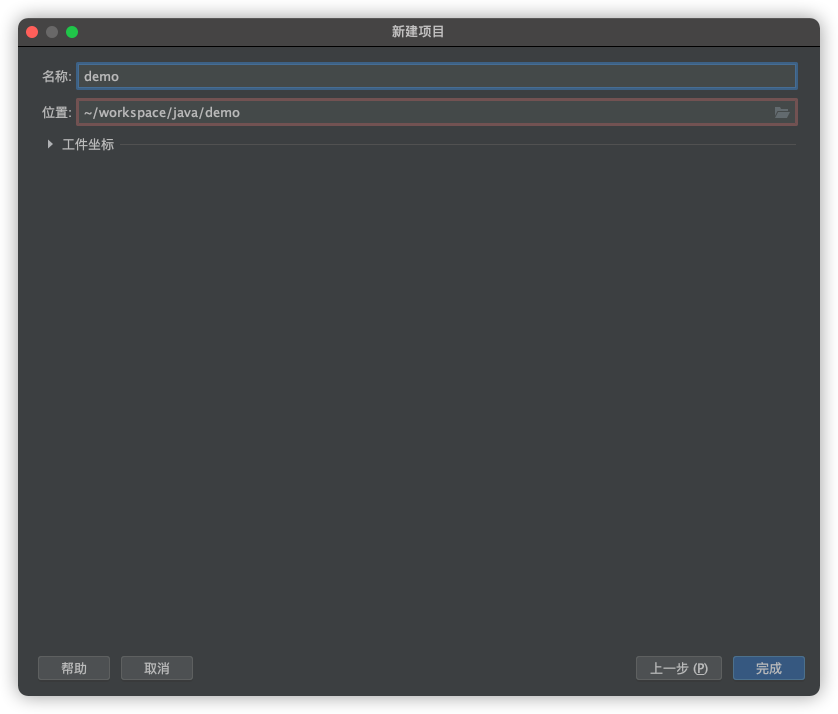
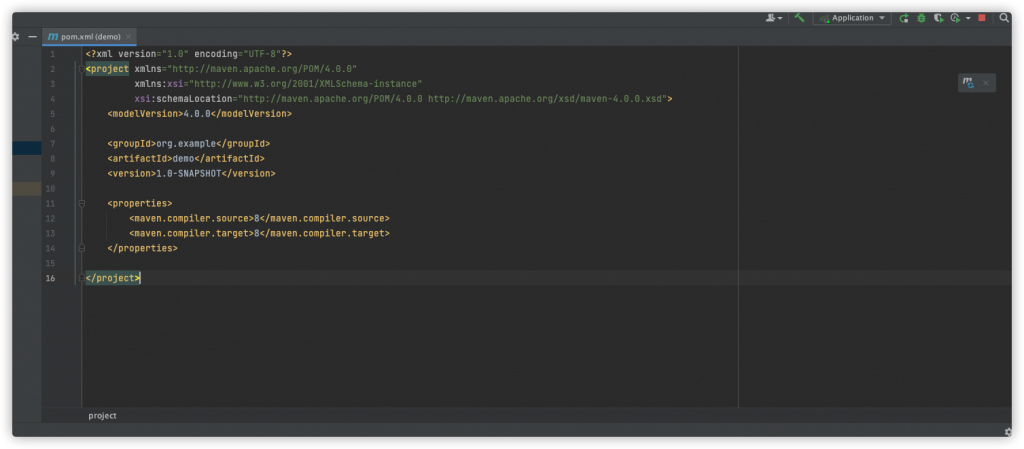
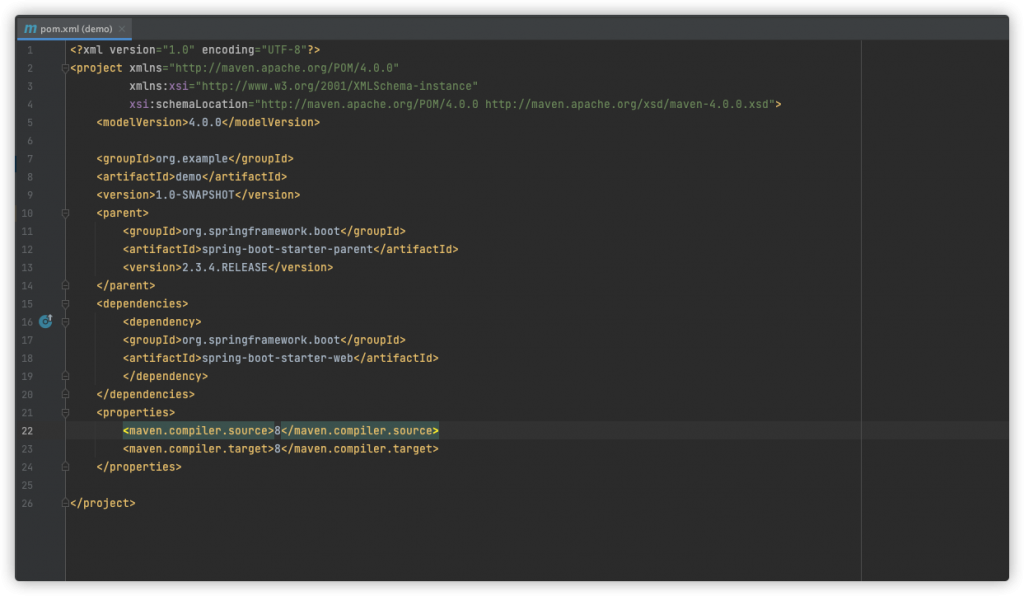
然后定义父项目后添加所需要的 Starter
1
2
3
4
5
6
7
8
9
10
11
12
| <parent>
<groupId>org.springframework.boot</groupId>
<artifactId>spring-boot-starter-parent</artifactId>
<version>2.3.4.RELEASE</version>
</parent>
<dependencies>
<dependency>
<groupId>org.springframework.boot</groupId>
<artifactId>spring-boot-starter-web</artifactId>
</dependency>
</dependencies>
|
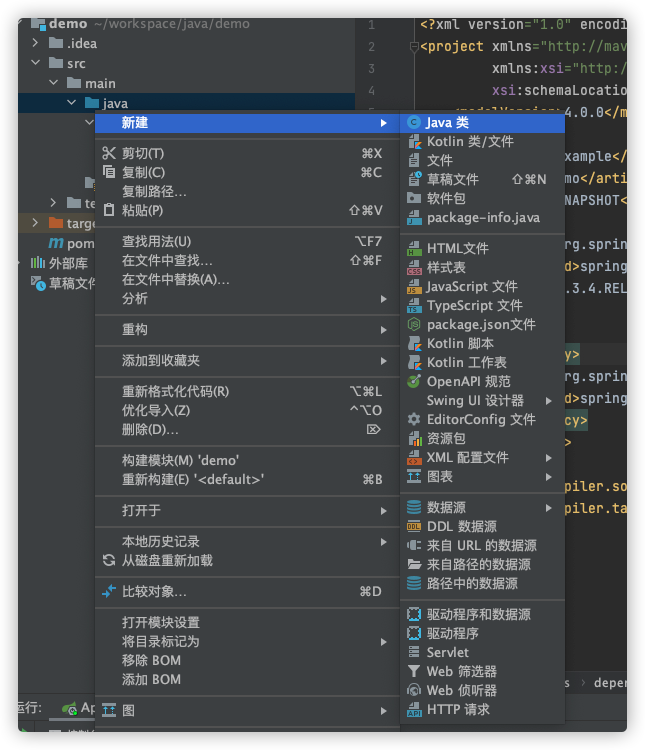
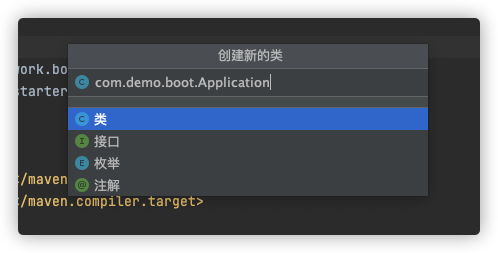
接着创建项目启动类
1
2
3
4
5
6
7
8
9
10
11
| package com.demo.boot;
import org.springframework.boot.SpringApplication;
import org.springframework.boot.autoconfigure.SpringBootApplication;
@SpringBootApplication
public class Application {
public static void main(String[] args) {
SpringApplication.run(Application.class, args);
}
}
|
再定义一个接受请求的 Controller
1
2
3
4
5
6
7
8
9
10
11
12
| package com.demo.boot.controller;
import org.springframework.web.bind.annotation.RequestMapping;
import org.springframework.web.bind.annotation.RestController;
@RestController
public class HelloController {
@RequestMapping("/hello")
public String Hello() {
return "Hello World !";
}
}
|
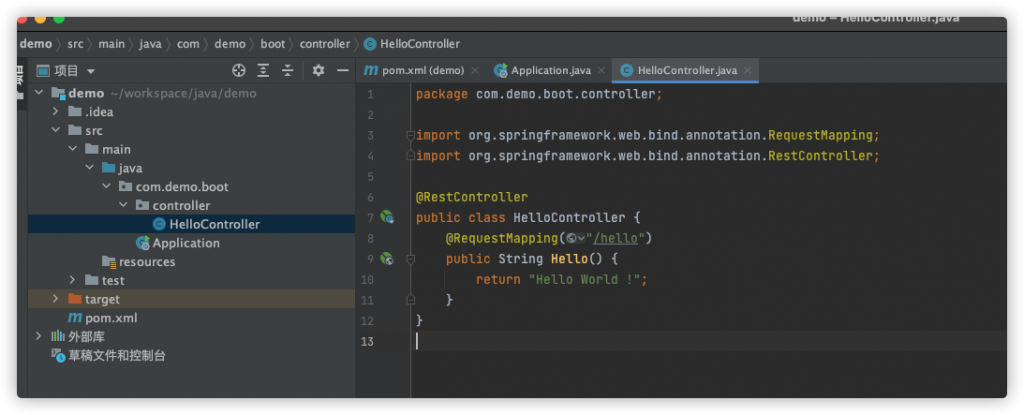
最后启动入口类
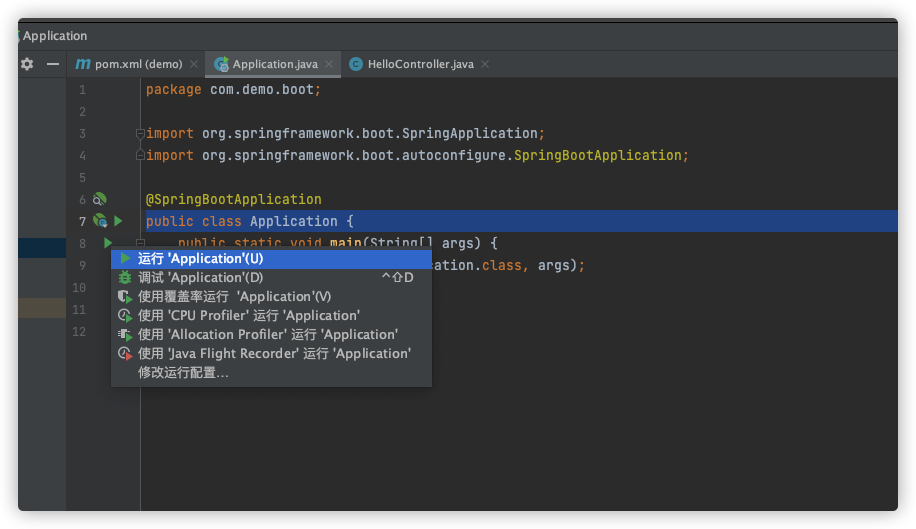
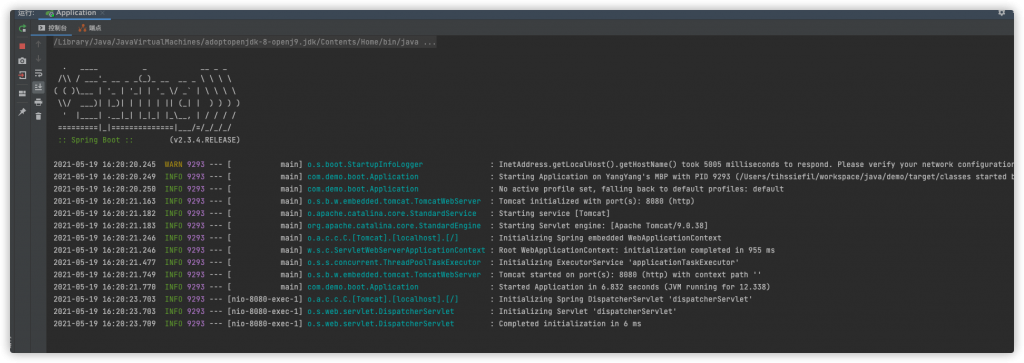
访问127.0.0.1:8080/hello 查看结果
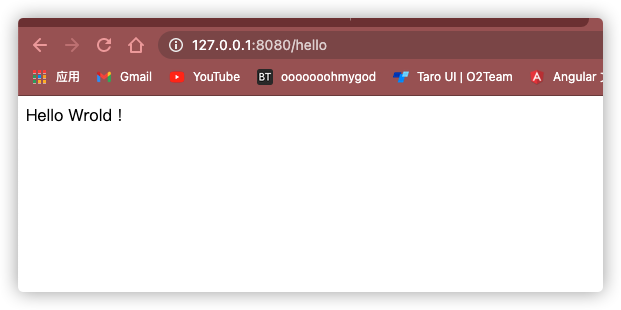
完工