首先我们需要知道什么是pinia
Pinia 是 Vue 的存储库,它允许您跨组件/页面共享状态。
pinia有什么优点
1
2
3
| * 跟踪动作、突变的时间线
* Store 出现在使用它们的组件中
* time travel 和 更容易的调试
|
1
2
| * 在不重新加载页面的情况下修改您的 Store
* 在开发时保持任何现有状态
|
- 插件:使用插件扩展 Pinia 功能
- 为 JS 用户提供适当的 TypeScript 支持或 autocompletion
- 服务器端渲染支持
开始使用pinia
首先需要安装
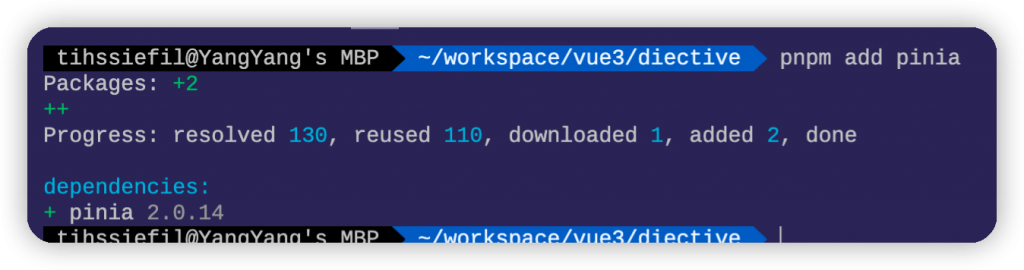
安装
创建一个 pinia并将其传递给app.use,这里需要注意use需要在mount之前调用。
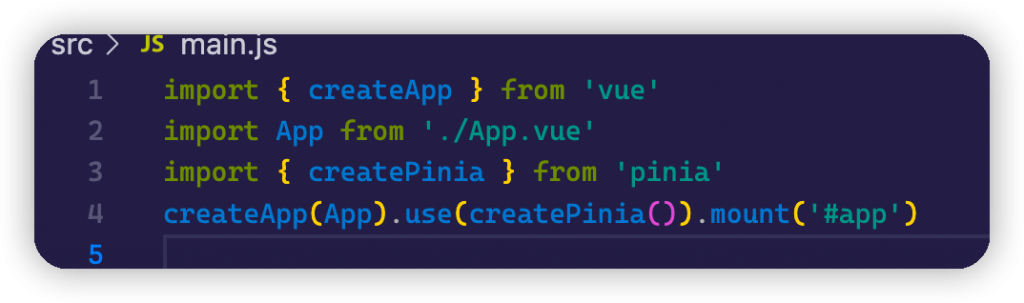
定义一个 store
1
2
3
4
5
6
7
8
9
10
11
12
13
14
15
16
17
18
19
20
21
22
23
24
25
26
27
28
29
30
31
32
| import { defineStore } from 'pinia'
const state = () => ({
name: 'Tom',
age: 15,
sex: 'male'
})
const getters = {
adult: (state) => state.age >= 18 ? 'yes' : 'no'
}
const actions = {
grow() {
this.age++
console.log(this.age)
},
async growLatter() {
await new Promise((res, rej) => {
setTimeout(() => {
this.age++
console.log(this.age)
res()
}, 1000)
})
}
}
export const useStore = defineStore('counter', {
state,
getters,
actions,
})
|
App.vue
1
2
3
4
5
6
7
8
9
10
11
12
13
14
15
16
17
18
19
20
21
22
23
24
25
26
27
28
29
30
31
32
33
34
35
36
37
38
39
40
41
42
| <template>
<p>
name: {{ name }}
</p>
<p>
age: {{ age }}
</p>
<p>
adult: {{ adult }}
</p>
<p>
sex:{{ sex }}
</p>
<p>
<el-button @click="grow" type="primary">Grow</el-button>
<el-button @click="growLatter" type="primary">Async Grow</el-button>
</p>
</template>
<style lang="scss">
html,
body {
padding: 0px;
margin: 0px;
}
#app {
height: 100vh;
width: 100vw;
}
</style>
<script setup>
import { useStore } from './store/main'
import { storeToRefs } from 'pinia'
const store = useStore()
const { age, adult } = storeToRefs(store)
const name = store.name
const sex = store.sex
const grow = () => store.grow()
const growLatter = () => store.growLatter()
</script>
|
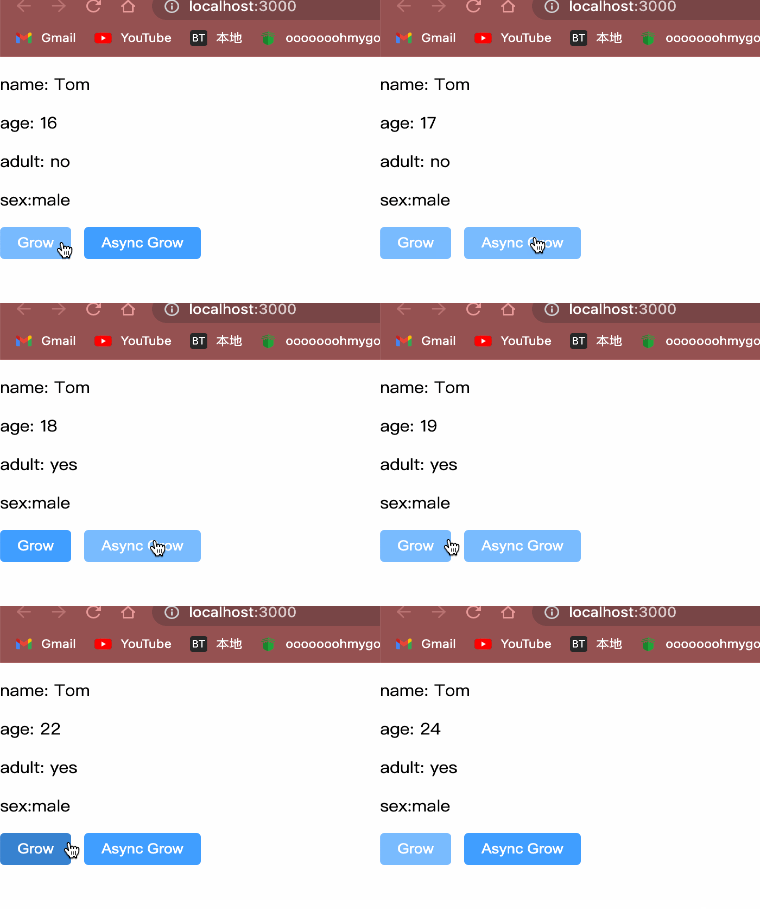
结果测试。